
Sample Construction Inspection Reports
Axiom gives your team one place to request inspections, track each assignment, review completed reports and photographs, and retain a complete history for every project.
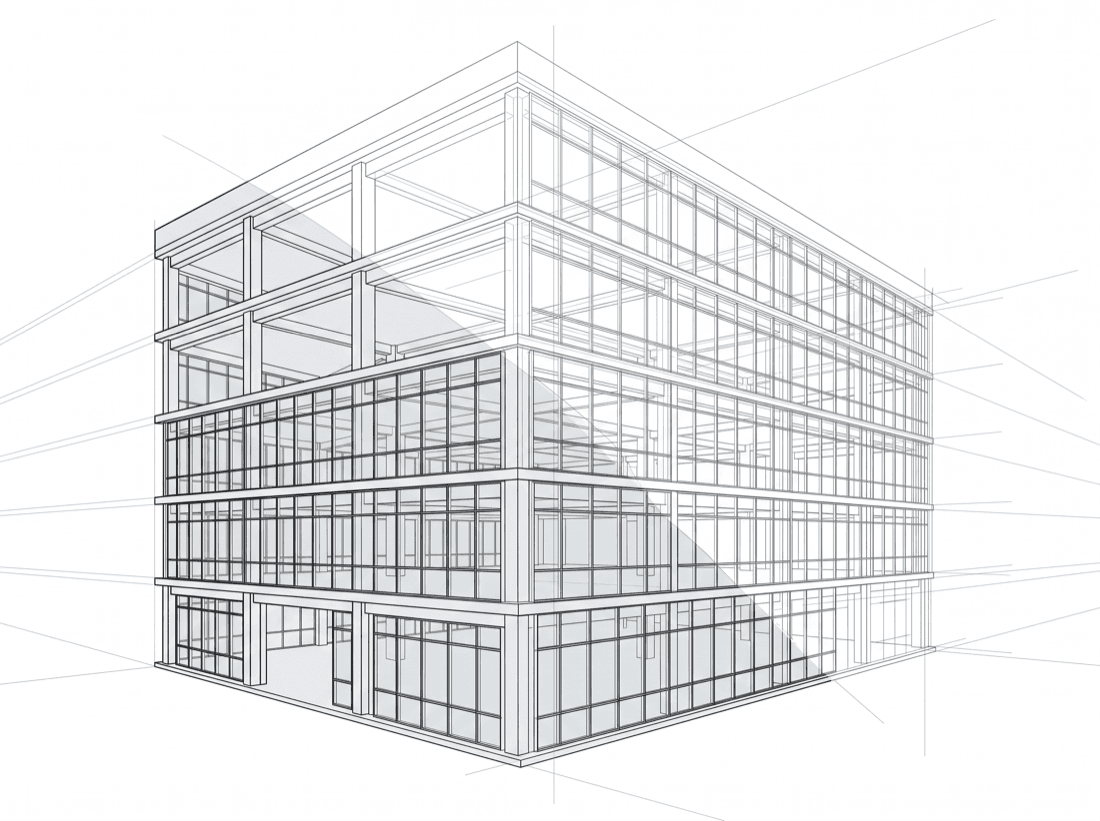
Built around the project record
One project. Every visit. One place to return to.
Axiom brings the request, source documents, field record, photographs, follow-up, and prior visits together in one project history. Your team can see what was requested, what happened on site, and what changed without sorting through separate emails or one-off PDFs.
Draw Inspection and Site Observation Report records follow the same organized workflow, while preserving the important difference between a draw-request comparison and an independent observation with no draw request behind it.
How it works in Axiom
From request to report, the record stays connected
Your team starts the project record and keeps visibility from the first request through report delivery and future follow-up.
Create the project and select the service
Authorized client users create a project in Axiom and request a Draw Inspection or Site Observation Report for the assignment at hand.
Add the request and receive the quote
For a Draw Inspection, your team adds the current request information and uploads relevant source documents. Axiom provides the standard-scope quote before your team approves and submits the assignment.
Track coordination and the site visit
Axiom shows when the request is received, access coordination is underway, the visit is scheduled, and the site visit is complete. Email notifications keep the right people informed along the way.
Review the field record online
When the report is ready, your team can review the written record and full-size photographs together in Axiom, then export a PDF only when your own file requires one.
Manage follow-up in the same project history
Add notes, document your internal resolution, message 724 Builder, or request that a specific item be re-observed on the next Draw Inspection.
Built for your organization
The right record
for the right people.
Axiom supports multiple internal users without a per-user login charge. Organization administrators can provide global visibility or limit access by project, region, assigned user, or role—so a regional lender, insurer, or management partner can organize records around the way its own team works.
Every authorized user works from the same current project record, rather than a separate inbox, shared drive, or spreadsheet.
Inside the project record
What your team can review, save, and revisit
The exact content depends on the service requested, but every completed assignment becomes part of one organized project record.

The record is clear.
Your team decides what it means.
For Draw Inspections, 724 Builder documents discrepancies between the request and site conditions. For Site Observation Reports, we provide a reliable record of current project conditions without a draw request or schedule of values. Axiom gives your team a place to retain the follow-up around that field record.
724 Builder does not approve funding, determine project completion, provide a professional opinion on work quality, interpret insurance coverage, or make claim decisions. Your organization retains responsibility for every decision that follows the report.
Take the next step
Start with one project.
Tell us what your team needs to understand about the project. We will confirm the appropriate service, coordinate authorized access, and deliver a field record your team can review in Axiom.